Import recipes from YouTube
Importing
Get the written recipe out of a cooking video without scrubbing through it again.
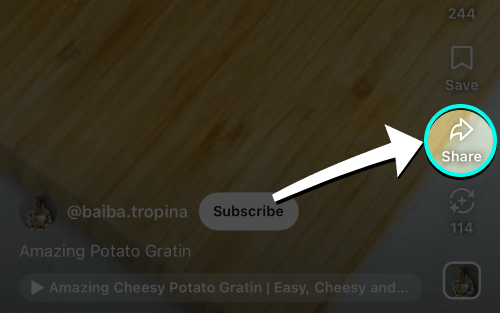
- Open video & tap share
Tap Share under any YouTube recipe video.
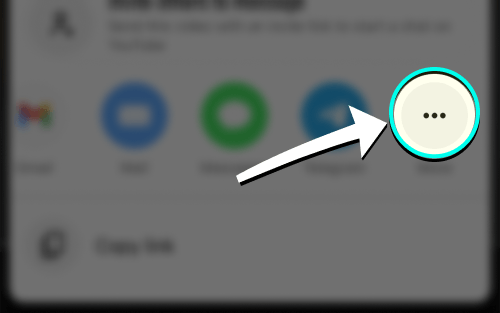
- Tap More if needed
Swipe the app row left and tap More if iRecipes is not visible.
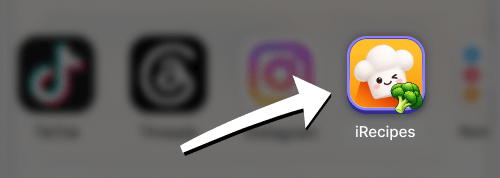
- Choose iRecipes
Tap iRecipes in the share menu.
- Review & save
Check the ingredients and steps, make any edits, then save the recipe.
Good to know: YouTube imports work best when the creator put the full recipe in the description. If the recipe only appears on screen, pause the video, take a screenshot of the ingredients and the method, then import those images from Photos.
 Instagram
  TikTok
  YouTube
  Facebook
  Pinterest
  WhatsApp
  Safari
  Chrome
 Got feedback?
If a video import keeps failing, send us the link and we will take a look.