Import recipes from Chrome
Importing
Save a web recipe from Chrome in the same two taps as Safari.
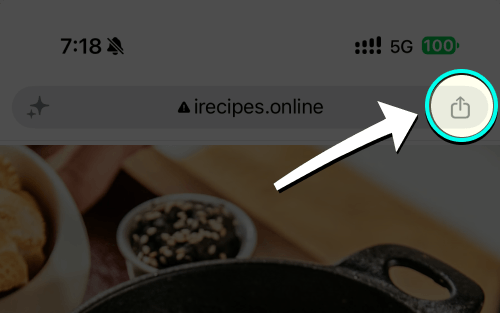
- Open recipe & tap share
Tap the Share button in Chrome next to the address bar.
- Open the share menu
Choose Share from the menu if you opened Chrome’s ••• menu.
- Choose iRecipes
Tap iRecipes in the share menu.

- Review & save
Check the ingredients and steps, make any edits, then save the recipe.
Good to know: if Chrome's share sheet does not offer iRecipes, tap Copy link, open the same link in Safari and share it from there — or open iRecipes and use Add recipe → Paste website.
 Instagram
  TikTok
  YouTube
  Facebook
  Pinterest
  WhatsApp
  Safari
  Chrome
 Got feedback?
If a page never imports correctly, send us the link and we will take a look.