Import recipes from Cookbooks
Importing
Bring the recipes from your shelf, your family cards and your notes into the app.
-
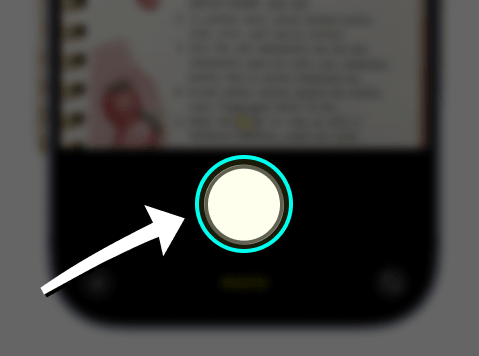
Photograph the page
Open the Camera app and photograph the recipe page straight on, filling the frame. Lay the book flat and use even light.
-
Open the photo and tap Share
In Photos, open the shot you just took and tap Share.
-
Choose iRecipes
Select iRecipes. If a recipe runs across a spread, select both photos so the steps stay in order.

-
Check the units, then save
Cookbook measurements are often written loosely (“a knob of butter”, “1 cup, packed”). Tidy those up in the review screen so your grocery list stays accurate.
Handwritten cards: clear, dark ink on a plain background reads best. If a card is faded or curled, add the recipe by hand instead — open the import screen and choose Add recipe manually.
 Instagram
  TikTok
  YouTube
  Facebook
  Pinterest
  WhatsApp
  Safari
  Chrome
 Got feedback?
If a cookbook page never imports cleanly, send us the photo and we will take a look.