Import recipes from Facebook
Importing
Rescue the recipes from your feed, saved posts and cooking groups.
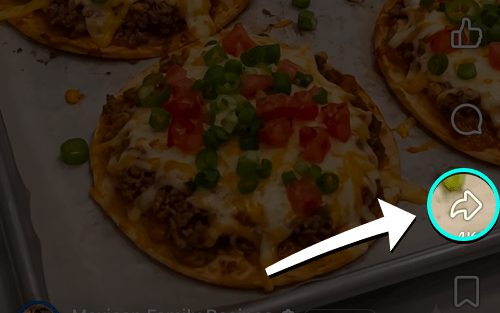
- Open post & tap share
Tap Share on any Facebook recipe post.
- Tap More if needed
Swipe the app row left and tap More if iRecipes is not visible.

- Choose iRecipes
Tap iRecipes in the share menu.

- Review & save
Check the ingredients and steps, make any edits, then save the recipe.
Good to know: Facebook recipes are often inside the post text, and sometimes only in a photo of a recipe card. If the text import comes out short, save the recipe image first and import it from Photos instead.
 Instagram
  TikTok
  YouTube
  Facebook
  Pinterest
  WhatsApp
  Safari
  Chrome
 Got feedback?
If a post import keeps failing, send us the link and we will take a look.